Things I Found Interesting in October 2026
Pencil Holder
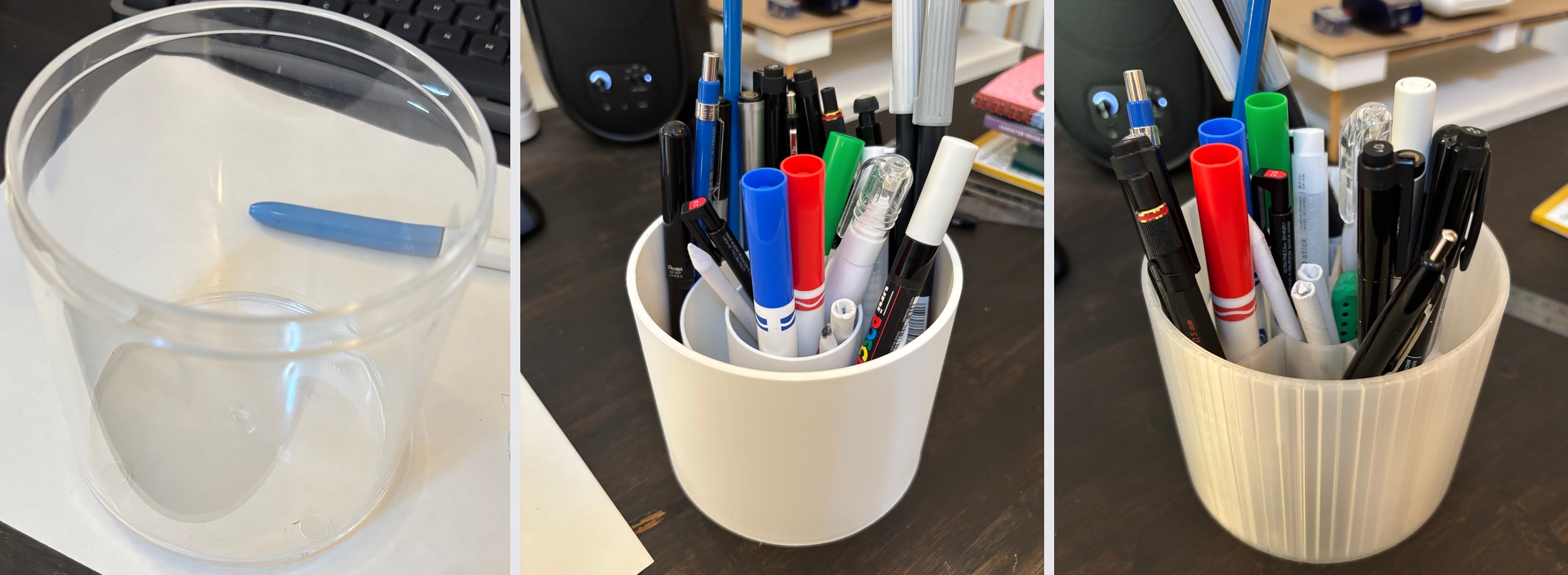
Prototype zero was an acrylic container I had laying around for some reason, then took that shape and added some structure inside of it with freecad, then re-arranged the dimensions some more and added some walls to hold things better. I ran out of white filament so the third prototype is sporting a clear filament. STL for the current version of the pencil holder.
Adding texture to a CAD model
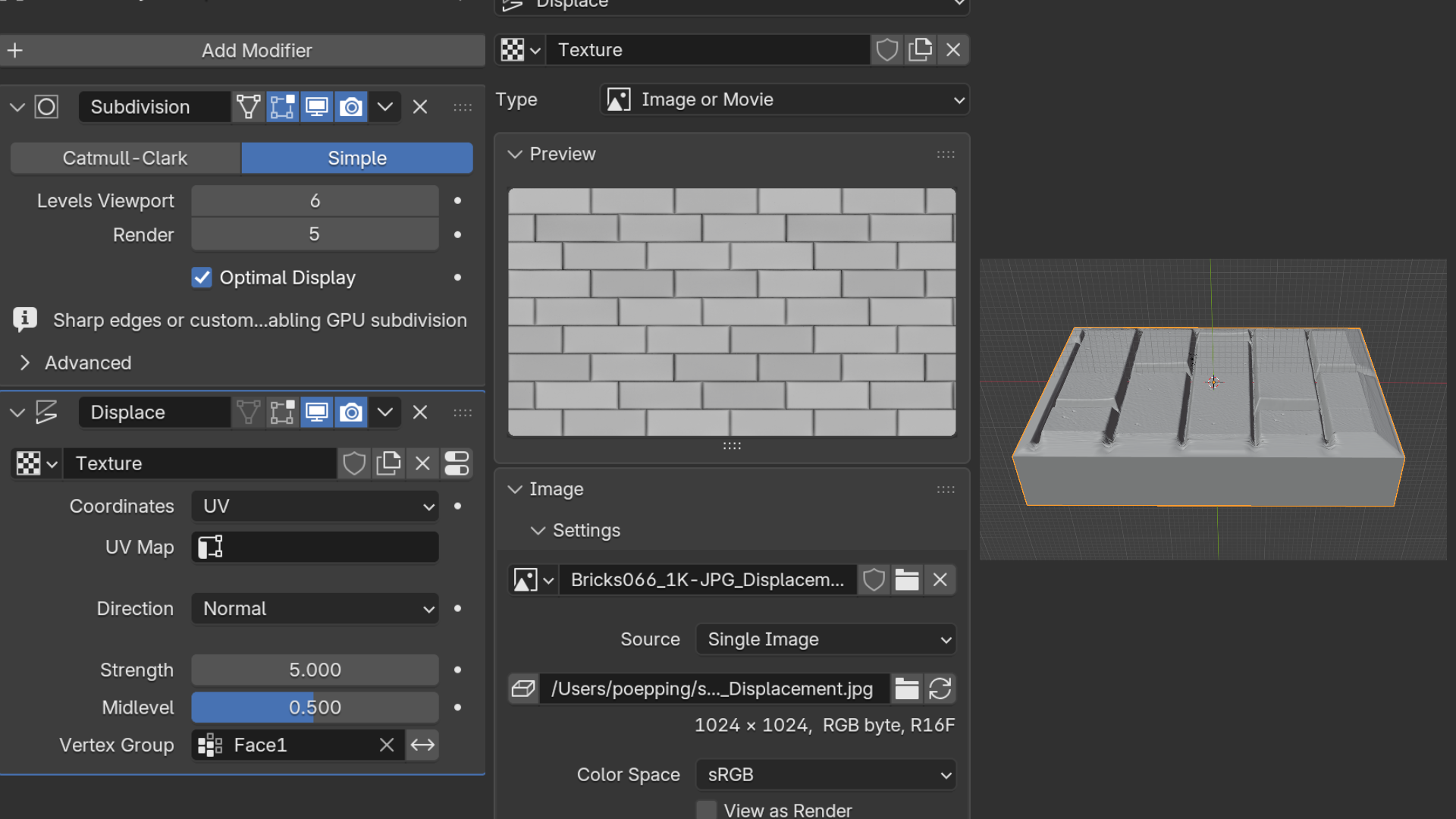
Instead of 3d printing a model completely smooth, come back and add patterned textures to the surface. I was exploring creating a model in freecad, and then exporting it to blender to add a displacement map, then exporting something I could 3d print.
The general process is:
- export obj from freecad
- import obj from blender
- select the faces you want to have the texture and add them to a vertex group
- subdivide that surface a few times if it doesn't have a lot of geometry
usmart uv unwrap the object- add subdivision surface modifier
- add displace modifier with a new texture, select uv for coordinates, and the vertex group you created
- adjust the strength
Links
- brick texture texture : lots of free textures
- 3dprint Toolbox in Blender extension for blender, to find out why your model is invalid.
- Apply any texture to printable model video
- idea to do this from here
Comment by email on Pencil Holder