Things I Found Interesting in August 2026
Fidget Timer
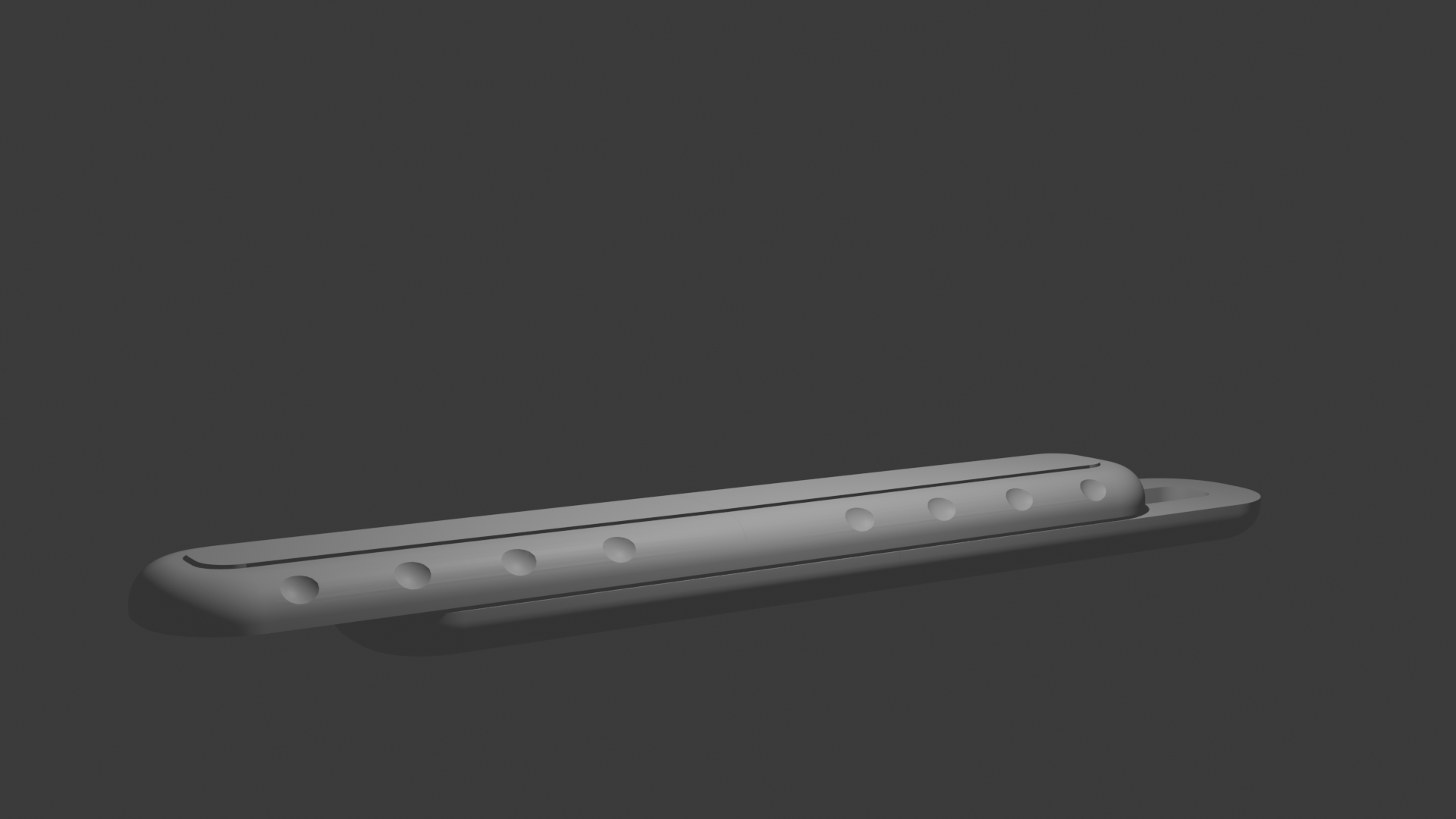
Simple online fidget toy I made , not as fun as the actual fidget toy. This version is kind of ugly, so now I'm modeling a newer version in blender
Simple Grid
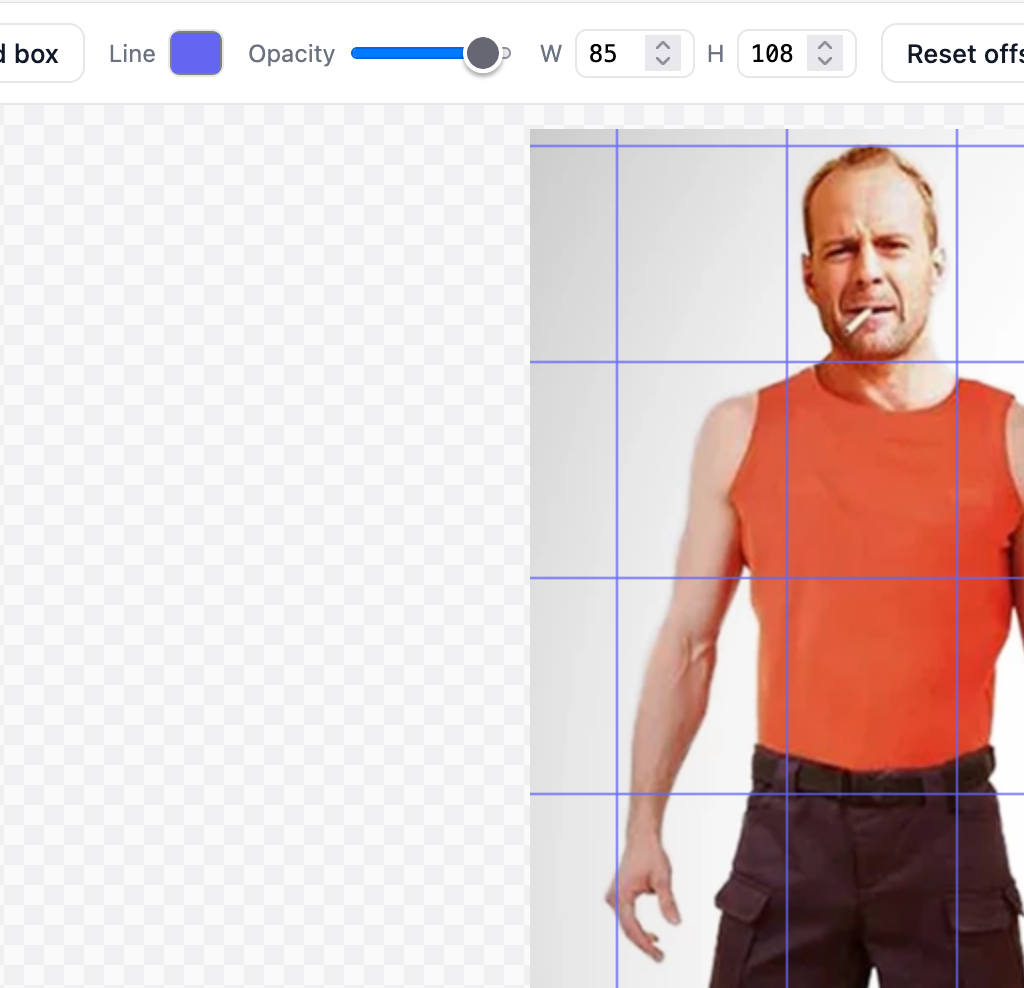
I wanted a quick way to break an image down so I can work on the proportions correctly; for example if you drag in the picture of a person you can select their head and see the grid resize to that number of heads. You can see it working here ; just drag an image onto it, click the "Draw grid box" button, and then draw a box over the head (or whatever proportion you are going for) and it'll overlay a grid of that size over your image.
Analog Hat Tip
I was reading Milton Glaser's Posters book, this came from page 22; The World of Stanley VanDerBeck. I think the design comes off much better as a non-animated version on a poster.
Dictionary of Color Combinations, an Index
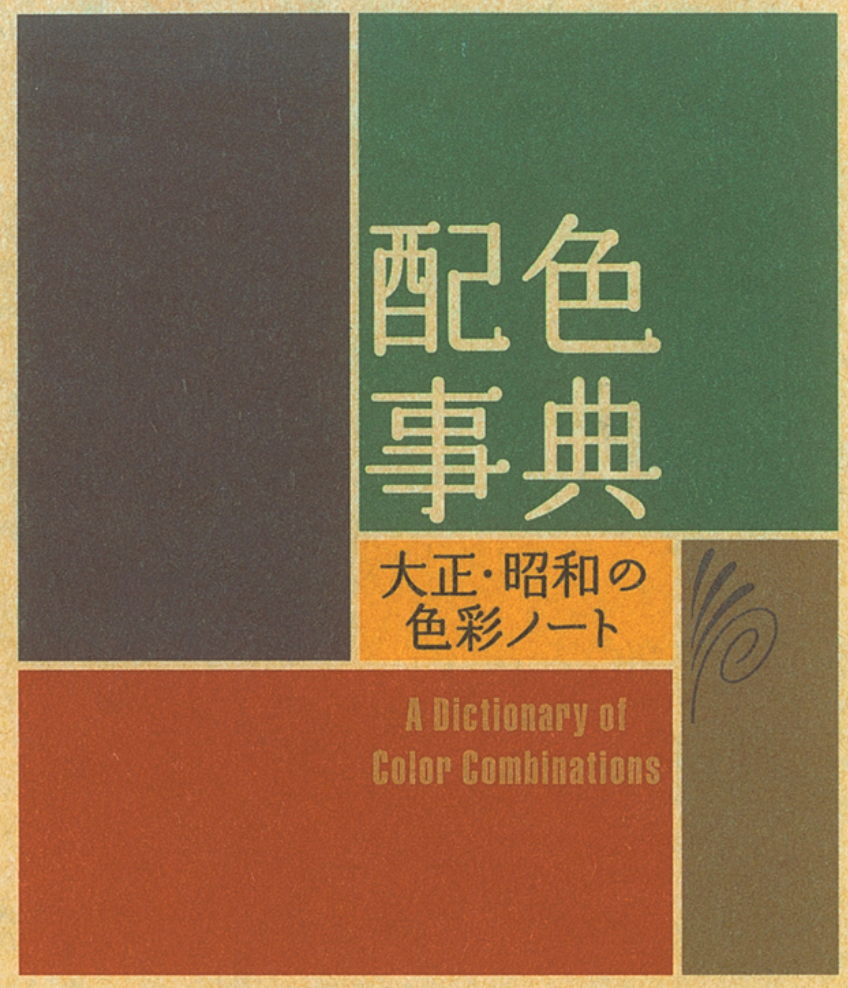
The Dictionary of Color Combinations is a Japanese book about colors in nature that go well together. While I have the physical book, I found it hard to translate the colors over to the computer; now I have this little web-app that will allow me to type in the plate number and it'll give me the colors in a copyable rgb sort of way:
Comment by email on Dictionary of Color Combinations, an Index
Comment by email on Fidget Timer